



How often have you scrolled through Google Maps to find the right restaurant and left disappointed?
Not because you could not find a place to satisfy your itch for burgers, but because the places you did find appeared underwhelming. Or, even worse, the information in the listing was very different from what appears on the website.
Much like the Yellow Pages of years past, Google Listings (or Google Business Profiles) are one of the first things a customer sees when searching for a product or service. Along with your actual website, this listing acts as your digital storefront and gives customers an idea of who you are, what you offer, and where they can find you.
But many businesses make these five common mistakes when creating their listing and end up losing potential sales. These include:
The Wrong Address, Hours, and Name
This mistake is at the top for a good reason: customers hate being misled. If your business is a brick and mortar, it is critical that you have the correct information on your listing so customers can reach you in person.
The wrong address, even if it is just a missing suite number, will leave customers scrambling to find you. Incorrect business hours will have them arriving too early or too late. This leaves money on the table and creates a bad reputation that can show up in your reviews.
Even if you operate remotely, customers need to know your hours so they can reach you if they have questions or concerns.
If you decide to rebrand, it is important to update your listing with the correct name to prevent confusion for both customers and search engines.
No Recent Photos or Videos, or None at All
Customers want to see who you are and what you offer. You do not need to feature every item in your inventory, but having images that show what you provide goes a long way toward building consumer confidence.
If you provide services, pictures and videos of team members create a more personal connection. However, it is wise to update your media when employees come and go.
At minimum, you should include an image of your logo if you operate under a business name or a headshot if you operate as yourself. This helps create a clear association between you, your services, and your community.
No Services Listed
Listing your services in the business description is a great way to inform new customers. However, you are restricted by the character count: 750 characters in total and only 250 automatically visible.
Google Business Profile allows you to add your services in greater detail and organize them into groups. While simply adding a service is enough to satisfy curious Google users, you also have the option to list pricing and details.
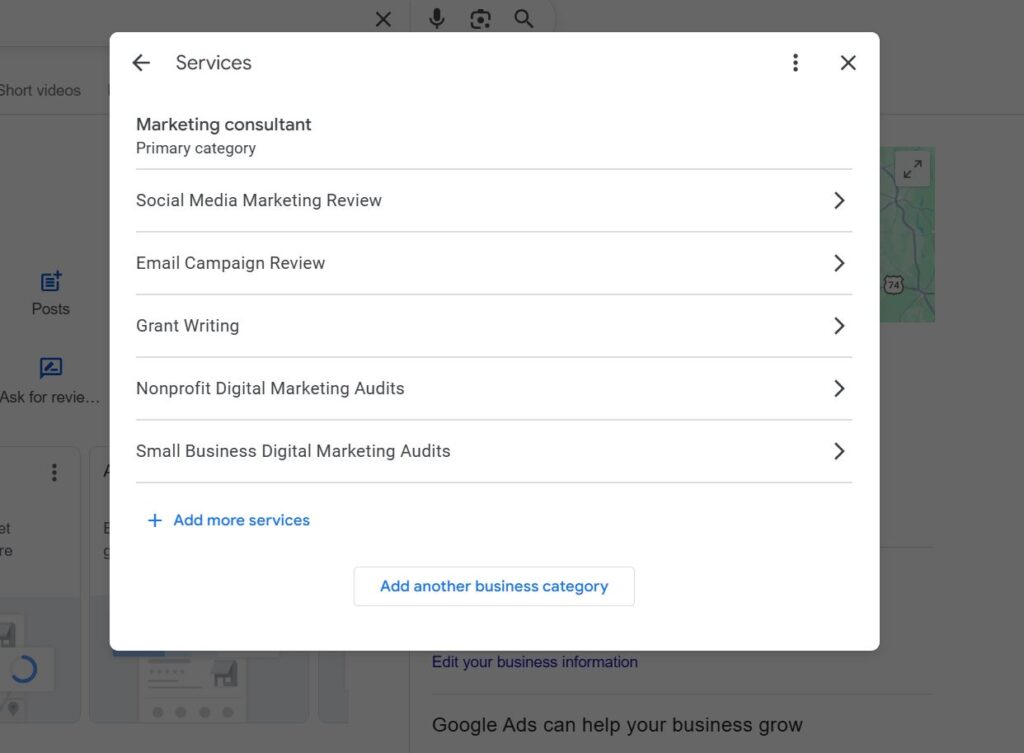
These changes not only have a direct impact on your customers, they also affect your visibility on Google. The more information you provide in this section, the more context Google’s algorithm has when determining where you should appear in search results, especially against your competitors.
Missing Links
It is a simple fix, but it has incredible results.
Your homepage should be listed for greater access and visibility. If you offer online scheduling, Google supports multiple third-party platforms that can help with that process. They also provide a simple link field where you can include your Contact Us page.
Did you know that you can also add your social media platforms to your listing? This can be extremely helpful in building your social media presence and giving Google more context. The more synchronicity between these platforms, the more likely you are to rank higher.
No Updates or Posts
Many businesses forget that their listings can also update the public on major announcements. This can be extremely helpful if your team needs to temporarily close or if you are planning to move to a new location.
Beyond this, the update section can highlight special promotions and events that you are running, further increasing your visibility.
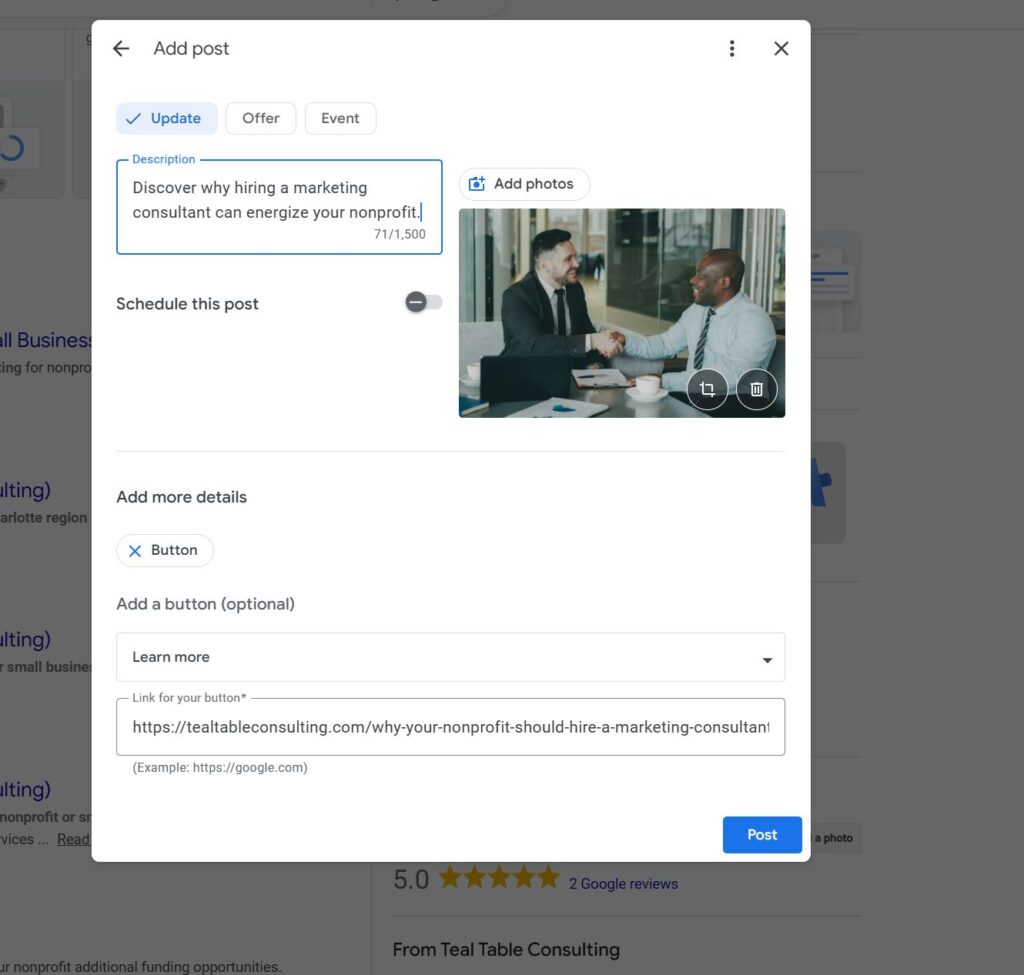
This section can also house blog posts and articles your team creates. Any additional clicks you receive can only benefit your business.
These mistakes can be corrected with ease, but what if you have never used Google Business Profile before?
If you are not sure how to set up your listing, reach out to Teal Table Consulting today. We will walk you through the entire process and help you prepare for future success.
To get started, schedule your free startup consultation with us today.
Leave a Reply